ruth901
This question is on many minds right now…What is this new purple circle at the bottom right of WhatsApp for?

There has been another innovation in WhatsApp.
bongkarn – stock.adobe.com
New look, new function?
A small, purple flower has been attracting the attention of WhatsApp users for a few days now. It is located exactly where the blue “Meta AI” circle was previously found. What's the deal with the new symbol?
Purple blossom on WhatsApp: That's what's behind the new symbol
Whether we like it or not: Meta AI has been part of our lives for a year, at least for everyone who uses WhatsApp. The AI assistant should provide us with answers – if you want, even directly in group chats.
Reading tip: Objection deadline has expired! Meta starts AI training in Germany
Now Meta has launched a new AI model: Muse Spark, which is, if you will, the new brain of Meta AI. It follows the Meta AI flagship Llama 4, which was only introduced in 2025. As Meta writes, Muse Spark is “the first model in a new series from Meta Superintelligence Labs”. Euro News explains that Meta is currently working on an extensive AI realignment.
And as part of this realignment, Meta AI's logo was also revised. Instead of the blue circle, Meta AI is now represented by the circle of purple dots – similar to a flower.
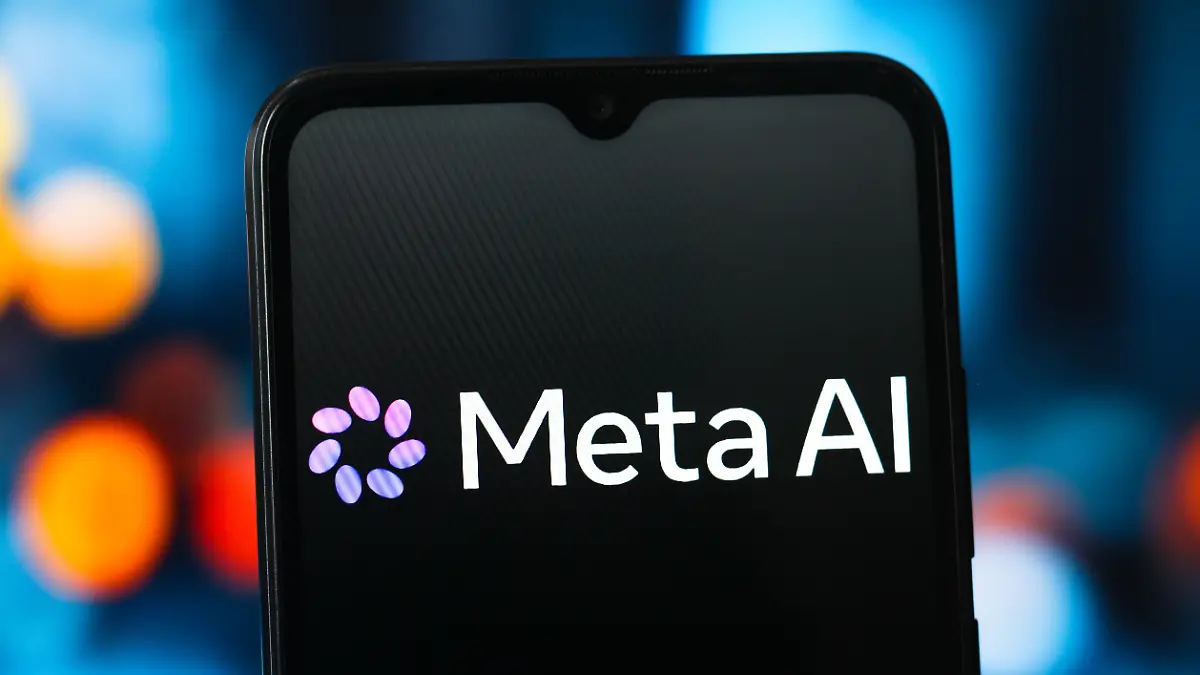
Meta AI comes in a new guise.
picture alliance / ZUMAPRESS.com | Thomas Fuller
Meta itself describes the new AI as “the smarter and faster AI assistant”. For example, Meta AI can now provide “answers or detailed information” about images or “local recommendations” about restaurants, for example.
Under the motto “Meta AI lives where you do”, the functions are available “as an app, on the web, in AI glasses and via meta apps”. This means: In addition to WhatsApp, the functions will gradually also be integrated into Facebook, Instagram and Messenger.
Reading tip: WhatsApp introduces usage without a phone number
Recommendations from our partners
Even if many WhatsApp users ask: Unfortunately, the “Meta AI” button, which allows direct communication with the AI function, cannot be removed. If you want to get rid of Meta's artificial intelligence, you can only do so Remove AI Chat from WhatsApp list. We explain how this works HERE.